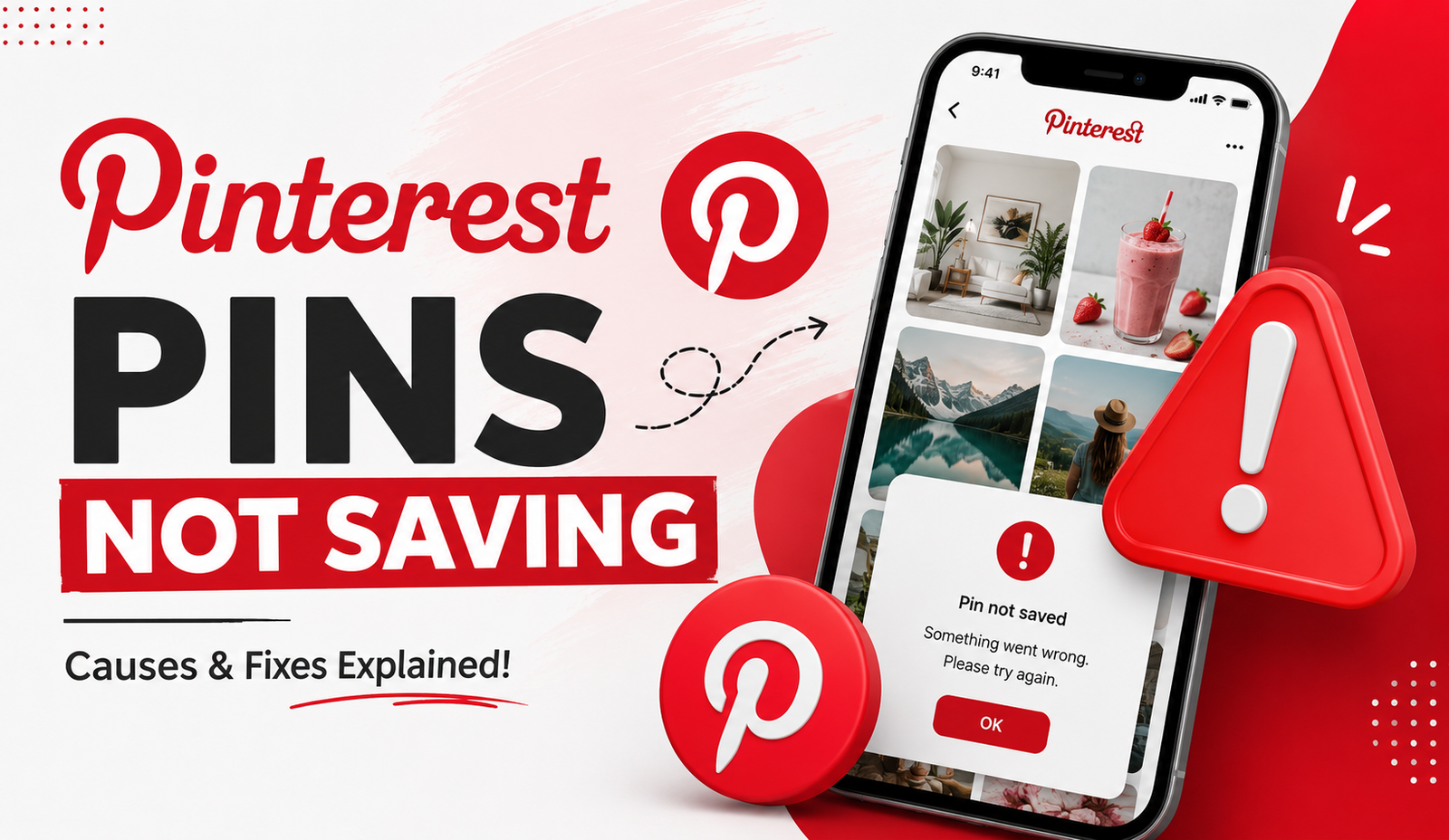
Pinterest Pins Not Saving? Troubleshooting Guide
Pins that won't save to a board are most often caused by a weak internet connection, an outdated app, a temporary Pinterest bug, or an issue with the specific board you're saving to (such as reaching a collaborator limit or a board sync problem) not a permanent problem with your account. Working through the fixes below in order resolves nearly every case.
1. Check Your Internet Connection
A weak or unstable connection is one of the most common reasons a pin appears to save but doesn't actually register, or the save button seems unresponsive.
Fix: Switch to a stronger, more stable Wi-Fi or mobile data connection and try saving again. If you're on public Wi-Fi, be aware some networks restrict the kind of background traffic apps like Pinterest use.
2. Update the App
- 1. Check Your Internet Connection
- 2. Update the App
- 3. Clear the App's Cache
- 4. Confirm the Board Still Exists and You Have Access
- 5. Check for a Temporary Pinterest-Wide Outage
- 6. Restricted Account Status
- 7. The Pin Itself May Have Been Removed
- 8. Storage Issues on Your Device
- 9. Browser-Specific Issues on Desktop
- A Quick Diagnostic Order to Follow
- Does Device Age Affect Save Reliability?
- What "Pin Saved" Notifications That Don't Reflect Reality Might Mean
- A Note on Third-Party "Fix" Extensions
- Testing on a Different Device or Account
- Does This Happen More on Certain Types of Pins?
- When to Report the Issue to Pinterest
- Preventing Future Save Issues
- Conclusion
An outdated version of the Pinterest app is a frequent cause of unresponsive buttons or features that silently fail without a clear error message.
Fix: Update Pinterest from the Play Store or App Store, fully close and reopen the app, then try saving the pin again.
- How to Download Your Own Google Photos Album
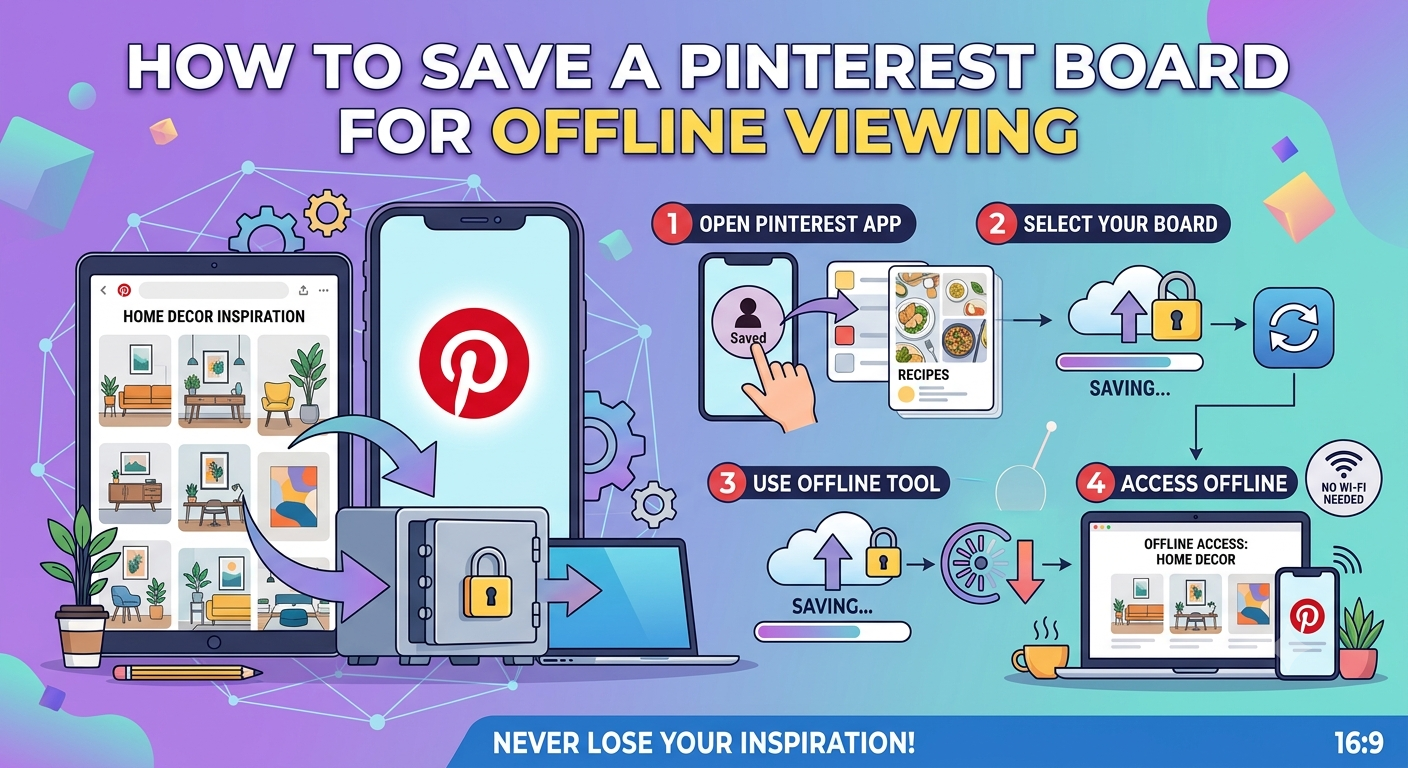
- How to Save a Pinterest Board for Offline Viewing
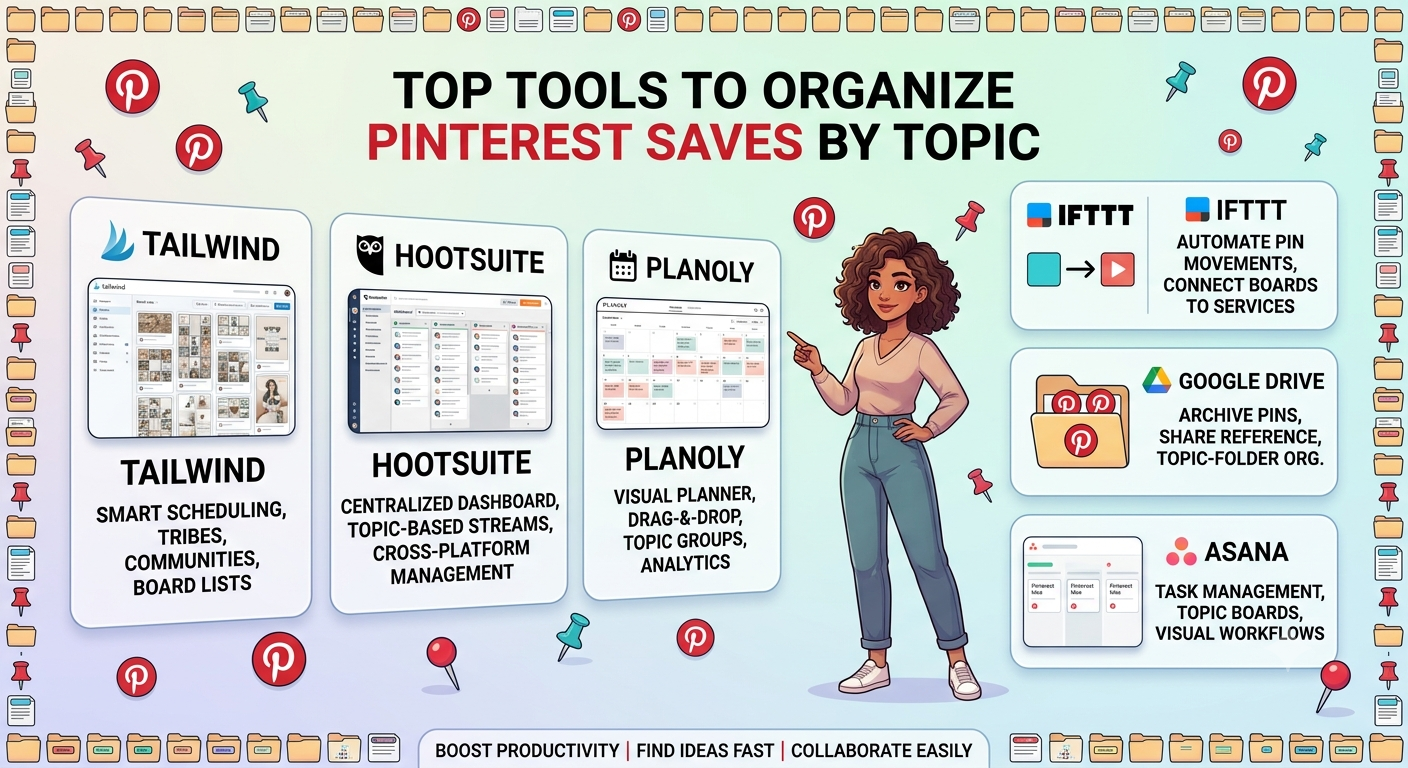
- Top Tools to Organize Pinterest Saves by Topic
3. Clear the App's Cache
A corrupted local cache can cause specific features, including saving, to behave unpredictably even though the rest of the app works normally.
Fix (Android): Go to Settings > Apps > Pinterest > Storage > Clear Cache (not Clear Data, which would sign you out). Fix (iPhone): iOS doesn't support direct cache clearing instead, offload the app (Settings > General > iPhone Storage > Pinterest > Offload App) and reinstall it, which clears cache while keeping your login intact.
4. Confirm the Board Still Exists and You Have Access
If you're trying to save to a group board, or a board that's been recently modified, saving can fail silently if the board was deleted, made private by someone else, or if your access to a shared board was revoked.
Fix: Try saving the same pin to a different board you know is active and accessible. If that works, the original board itself is likely the cause check whether it still exists and whether your access to it is current.
5. Check for a Temporary Pinterest-Wide Outage
Pinterest occasionally experiences short-lived bugs or partial outages affecting specific features, including saving, unrelated to your account or device.
Fix: Check Pinterest's official Help Center or a service-status tracking site to see if others are reporting similar issues. These typically resolve within a few hours without needing any action on your end.
6. Restricted Account Status
Accounts flagged for review, or with certain content restrictions applied, can temporarily lose access to some interactive features, including saving pins.
Fix: Check your account status through Pinterest's Help Center or in-app notifications for any listed restrictions, and use the appeal process if something looks incorrect.
7. The Pin Itself May Have Been Removed
If a specific pin consistently fails to save while others work fine, it's possible the original pin was removed by its creator, flagged for a policy violation, or is otherwise no longer available, even though it may still briefly appear in your feed due to caching.
Fix: Try saving a different, unrelated pin to confirm whether the issue is specific to that one pin or affects saving broadly. If only that specific pin fails, there's typically no fix on your end it reflects the pin's own current status rather than a problem with your account.
- Best Practices for Backing Up Facebook Memories
- Facebook Save Option Not Showing Up
- Facebook Data Download Tool
8. Storage Issues on Your Device
While Pinterest's own saving feature doesn't download files to your device the way a genuine download does, extremely low device storage can still occasionally interfere with app performance broadly, including how reliably in-app actions like saving register.
Fix: Check your device's available storage and clear space if it's critically low, then retry.
9. Browser-Specific Issues on Desktop
If you're saving pins through Pinterest's desktop website rather than the mobile app, browser extensions (particularly ad blockers or privacy extensions) can occasionally interfere with how the site's save functionality loads.
Recommended Articles
 PINTEREST
 PINTEREST
 PINTEREST
Fix: Try temporarily disabling browser extensions, or test in a private/incognito browser window, to see if the issue persists without them active.
A Quick Diagnostic Order to Follow
- Confirm you have a stable internet connection.
- Update the app.
- Clear cache (Android) or offload and reinstall (iPhone).
- Try saving to a different, confirmed-active board.
- Check for a wider Pinterest outage.
- Check your account status for restrictions.
- Try a different, unrelated pin to isolate whether the issue is pin-specific.
Does Device Age Affect Save Reliability?
Older devices running outdated operating systems can sometimes struggle to run the current version of the Pinterest app smoothly, which indirectly causes features like saving to behave unreliably, separate from any issue with the feature itself. If your device hasn't received a system update recently, checking for an available OS update alongside the app update is worth doing before assuming the problem is isolated to Pinterest.
- Best Practices for Backing Up Facebook Memories
- Facebook Save Option Not Showing Up
- Facebook Data Download Tool
- How to Download Your Own Google Photos Album
What "Pin Saved" Notifications That Don't Reflect Reality Might Mean
Occasionally, Pinterest shows a confirmation that a pin was saved, but it doesn't actually appear on the target board afterward. This particular pattern often points to a syncing delay rather than an outright failure the save registered on Pinterest's end but hasn't yet reflected in the board view you're looking at.
Fix: Wait a few minutes and refresh the board (pull down to refresh on mobile, or reload the page on desktop) before assuming the save genuinely failed, particularly if you're on a slower connection where sync delays are more noticeable.
A Note on Third-Party "Fix" Extensions
Some browser extensions marketed as Pinterest productivity tools claim to fix saving issues or add missing functionality. These aren't official Pinterest tools, and installing unofficial extensions that modify how Pinterest's site loads and behaves can introduce security risks of their own, independent of whether they resolve the underlying saving problem. None of the troubleshooting steps in this guide require anything beyond Pinterest's own app, browser, and your device's built-in settings.
Testing on a Different Device or Account
If none of the above resolves the issue, isolating the variable helps narrow down the cause:
- Try saving the same pin on a different device using the same account if it works there, your original device or app installation is likely the cause.
- Try saving a different pin on your usual device if that works, the original pin or board is the more likely explanation.
Does This Happen More on Certain Types of Pins?
Video pins and pins linking to specific external websites can occasionally behave differently than standard image pins when it comes to saving reliability, since additional data (like video files or link previews) needs to load and process alongside the save action itself. If you notice save issues specifically clustering around video pins, a slower or less stable connection is a more likely explanation than with simpler static image pins.
When to Report the Issue to Pinterest
If you've worked through every relevant fix across multiple pins, boards, and devices, and saving remains consistently broken, report it directly through Pinterest's Help Center (accessible from Settings), including specific details like device type, app version, and examples of affected pins or boards. A detailed report is easier for Pinterest's support team to diagnose than a general complaint about saving "not working."
Preventing Future Save Issues
- Keep the Pinterest app set to auto-update so you're rarely running a significantly outdated version.
- Periodically restart the app or your device to clear minor background glitches before they accumulate.
- Avoid saving to boards you're unsure are still active or accessible without first confirming, particularly for shared or group boards.
- If you regularly save through a browser, keep extensions to a minimum on sites where you rely on core functionality working reliably.
- Consider periodically checking that boards you rely on for active saving haven't quietly lost members, been made private by a collaborator, or otherwise changed in ways that would affect your ability to save to them.
Conclusion
Most Pinterest save failures come down to a handful of common causes a weak connection, an outdated app, a board-specific issue, or occasionally the individual pin itself no longer being available. Working through the checklist above in order resolves the vast majority of cases, and testing on a different board, pin, or device is usually the fastest way to narrow down whether the underlying cause sits with your setup or the specific content you're trying to save. As with similar issues on other platforms, a genuine sync delay rather than an outright failure is worth ruling out first before assuming something is seriously broken.