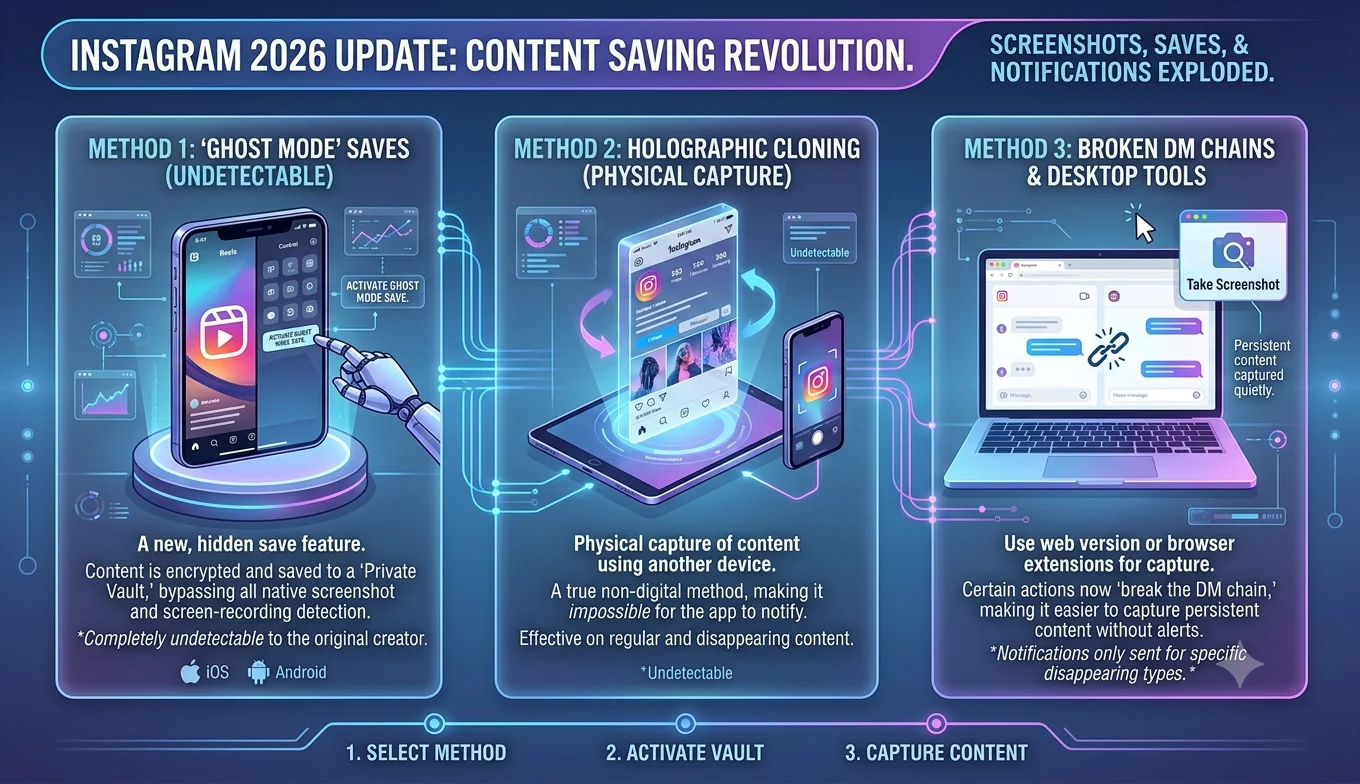
How Instagram's 2026 Update Changed Content Saving
Quick answer: Instagram has made several changes through 2026 that directly affect how users save and store content: a redesigned Saved Posts section with content-type tabs, an end to encrypted direct messages (prompting users to download their DM media before it disappears), new limits on accounts that primarily repost others' content, and easier paths into permanent Highlights. Here's what changed and what it means for how you organize and back up what you save.
Why These Changes Matter More Than They Might Seem
It's easy to treat platform interface tweaks as cosmetic, but several of 2026's changes directly affect whether content you've saved stays accessible, how it's organized, and even whether saving-heavy habits (like building a feed around reposts) still work the way they used to. Reviewing these changes isn't just trivia it's practical maintenance for anyone who treats Instagram as part of their personal or business content archive.
1. The Saved Posts Section Got a Redesign
- Why These Changes Matter More Than They Might Seem
- 1. The Saved Posts Section Got a Redesign
- 2. Encrypted DMs Are Being Phased Out: Back Up Your Media Now
- 3. Stricter Rules for Accounts That Mostly Repost Content
- 4. Carousel Posts Can Now Be Reordered After Publishing
- 5. Highlights Are Becoming Easier to Build Directly
- What Stayed the Same
- How to Audit Your Account After These Changes
- What This Means for Your Saving Habits Going Forward
- A Note on Verifying Feature Availability Yourself
- Staying Current With Future Changes
- Comparing 2026's Changes to Instagram's Broader Direction
- Conclusion
Instagram overhauled its "Saved" area so content is now split into separate tabs by type instead of one long mixed grid. Collections also now show smaller thumbnails, tucked under a "See all" button rather than displayed openly. If your Saved section has felt cluttered for years, this update is aimed directly at that it's worth revisiting your existing collections now that the layout has changed, since old organizing habits may no longer match how the section displays content. Users with large, years-old Saved collections in particular may find that content they assumed was easy to browse is now split across tabs in a way that requires a bit of relearning.
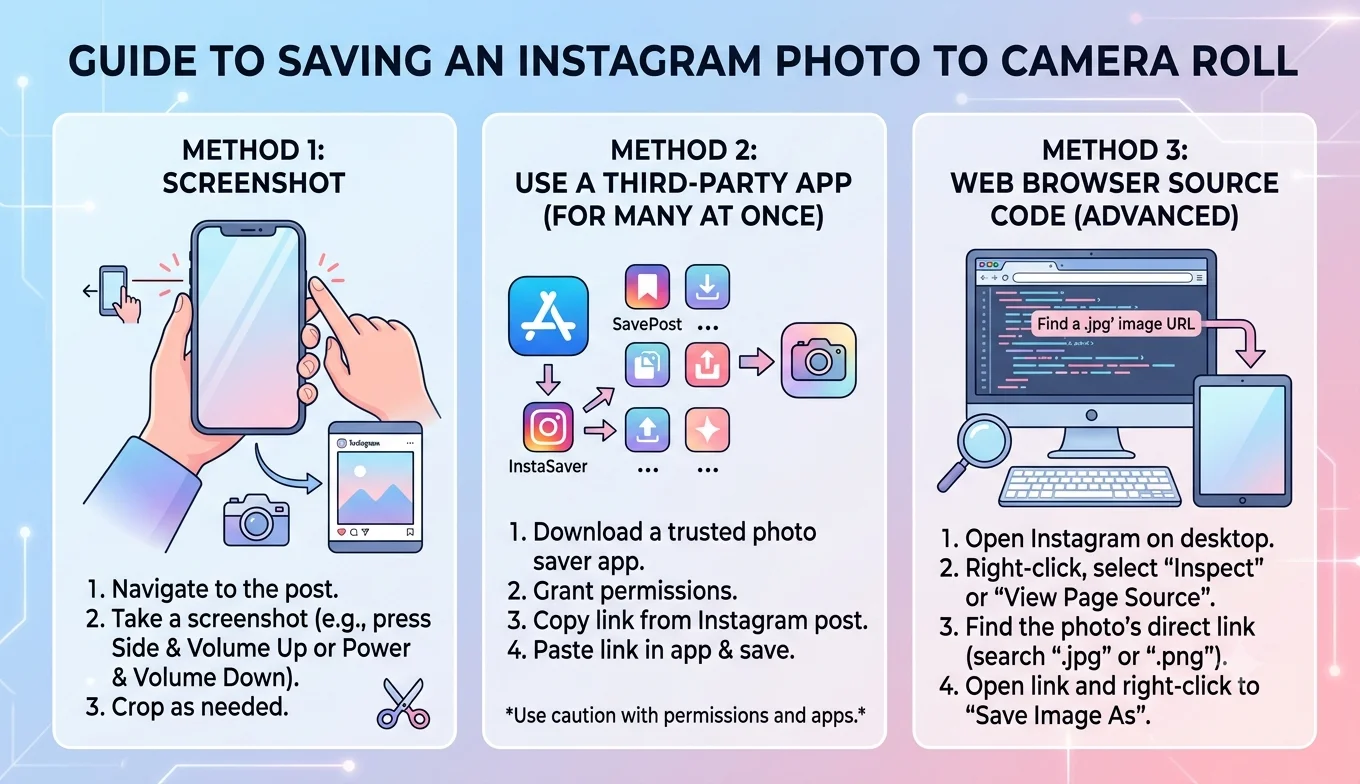
- How to Save an Instagram Photo to Your Camera Roll
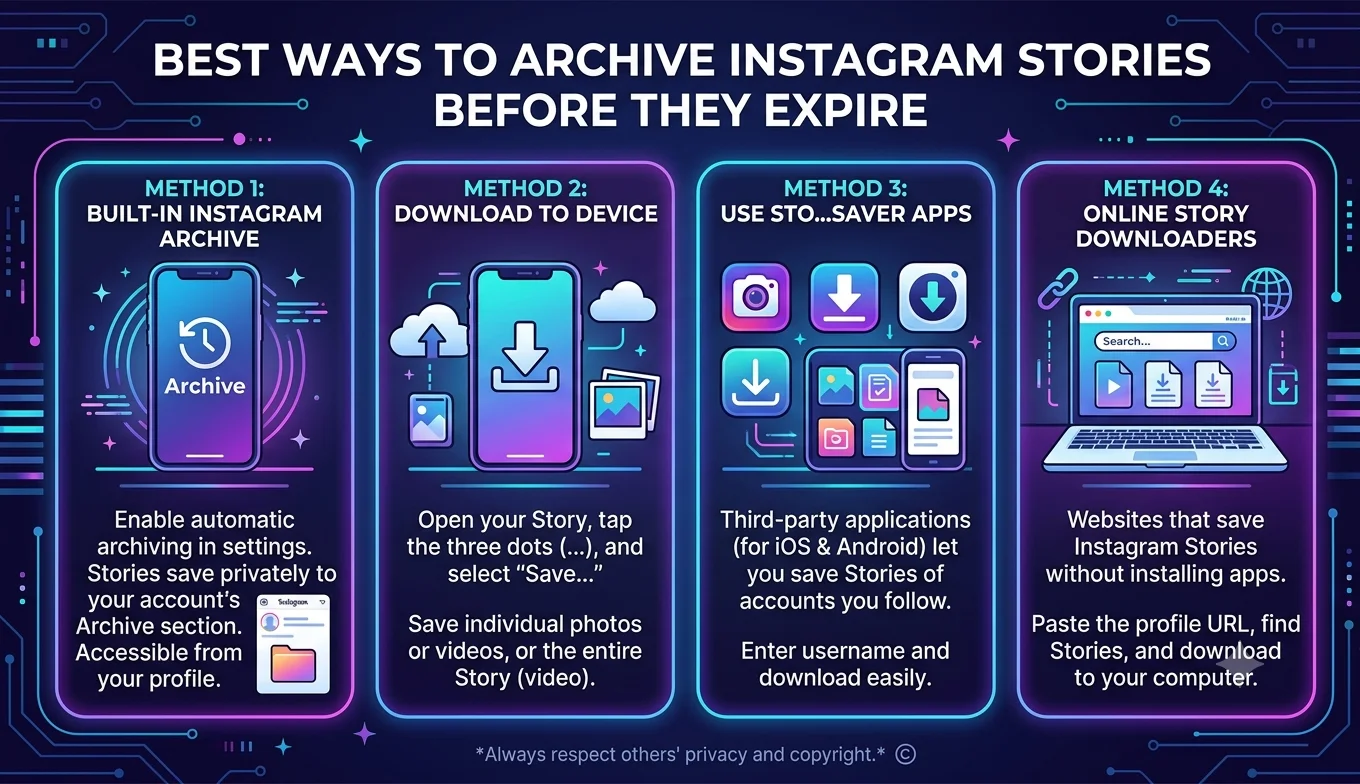
- Best Ways to Archive Instagram Stories Before They Expire
2. Encrypted DMs Are Being Phased Out: Back Up Your Media Now
Starting May 8, 2026, Instagram ended support for end-to-end encrypted direct messages, citing low usage. Meta is directing users who want encrypted messaging to WhatsApp instead. The practical impact for saving: Instagram has been prompting affected users in-app to download their encrypted chats and images before the feature disappears entirely. If you had encryption turned on for any DM threads, this is a one-time window once the feature is gone, those messages revert to Instagram's standard (non-encrypted) storage, and any media you wanted a personal copy of should be saved now rather than assumed to remain retrievable in its original form. This is worth flagging to anyone who used encrypted DMs specifically to share sensitive photos, documents, or conversations, since the shift also changes the underlying privacy posture of that content going forward, not just its accessibility.
3. Stricter Rules for Accounts That Mostly Repost Content
As of April 30, 2026, Instagram expanded its original-content protections beyond Reels to cover photos and carousel posts as well. Accounts that primarily repost content they didn't create are no longer recommended to non-followers across Explore, the main Feed, and the Discover tab. This doesn't stop you from saving or bookmarking reposted content for personal use, but it does mean building a following or feed presence around reposted saves is a much weaker strategy than it used to be original commentary or context now matters more for visibility. For anyone using Instagram partly as a public curation tool (sharing other people's content with your own audience), this is the single most consequential change on this list, since it directly affects reach rather than just organization.
4. Carousel Posts Can Now Be Reordered After Publishing
Since March 2026, Instagram allows you to reorder photos and videos within an already-published carousel post without losing existing likes, comments, or shares. For anyone who treats their own carousels as a lightweight personal archive (travel recaps, project documentation, etc.), this means you can now fix ordering mistakes retroactively instead of needing to delete and repost a small but genuinely useful change for content you're using as a saved record. It also means older advice about "getting carousel order right before posting because you're stuck with it" is now outdated.
5. Highlights Are Becoming Easier to Build Directly
Instagram is testing a change that lets users add content straight to Highlights without first posting it as a disappearing Story. This is still rolling out and not available to everyone yet, but once live, it simplifies building a permanent, saved showcase on your profile you'll no longer need the extra step of posting to a Story purely as a workaround to get something into a Highlight. For business accounts using Highlights as an evergreen FAQ or product showcase, this removes a genuinely awkward step in what was otherwise a useful feature.
Recommended Articles
 INSTAGRAM
 INSTAGRAM
 INSTAGRAM
What Stayed the Same
Amid all these changes, the fundamental saving mechanics covered elsewhere in this series haven't changed: the three-dot menu still saves your own posts to your camera roll, the bookmark icon still saves others' posts within the app, and Download Your Information still handles full account exports. The 2026 updates layer new structure and new rules on top of these tools rather than replacing them, which is generally good news if you've already built saving habits around the official features you're adapting to a reorganized system, not learning an entirely new one.
How to Audit Your Account After These Changes
If you haven't reviewed your Instagram saving setup recently, a short audit covers the most relevant points:
- Open your Saved section and get familiar with the new tab layout before you need to find something urgently.
- Check whether any DM threads had encryption enabled, and download that media if you haven't already, since the encrypted-DM window won't stay open indefinitely.
- If your account leans on reposted content, review your recent Explore/Discover reach and consider whether adding original commentary or context to reposts would help maintain visibility.
- Revisit your Highlights structure if the direct-to-Highlights option has reached your account, consider whether your current categories still make sense with an easier addition process.
What This Means for Your Saving Habits Going Forward
Taken together, these changes point toward Instagram treating "saved" and "posted" content as more distinct, more structured categories than before separate tabs for saves, a direct path into Highlights, and tighter rules around reposted content all push toward more intentional curation rather than mass-saving everything into one pile. If you rely on Instagram as a personal archive, it's a good moment to:
- Re-sort your existing Saved collections into the new tab structure
- Check whether any DM threads had encryption enabled and download that media if you haven't already
- Reconsider any strategy built primarily around resharing others' content, since visibility for that approach has narrowed
A Note on Verifying Feature Availability Yourself
Because several of the changes above are mid-rollout rather than fully global, the most reliable way to confirm what applies to your account is checking your own app directly rather than assuming a written description matches your exact experience. Open your Saved section, check your DM settings for encryption status, and look at your carousel and Highlights options a five-minute audit tells you more about your current setup than any general overview can.
Staying Current With Future Changes
Instagram rolls out changes gradually and often tests features regionally before a global release, which means not everyone sees a given update at the same time. If something described here doesn't match what you're currently seeing in your own app, it may simply not have reached your account yet. Checking Instagram's official Help Center or the account's own announcements periodically is the most reliable way to confirm whether a feature is a wider rollout or still in limited testing.
Comparing 2026's Changes to Instagram's Broader Direction
None of these updates happened in isolation. Through 2026, Instagram has generally leaned toward giving users more granular control over content organization (the Saved redesign, direct-to-Highlights) while simultaneously tightening the rules around content originality and reach (the repost restrictions). Read together, the pattern suggests a platform trying to balance two goals at once: making it easier for individuals to manage their own saved and posted content, while making it harder for accounts to grow primarily by redistributing other people's work. Anyone building a long-term content strategy on Instagram should treat that as the underlying direction to plan around, not just a list of isolated feature notes.
Conclusion
Instagram's 2026 changes aren't a single dramatic overhaul, but a set of smaller shifts that add up: a clearer Saved section, a hard deadline on encrypted DM media, new limits on repost-heavy accounts, and small quality-of-life improvements to carousels and Highlights. None of it requires a different saving method than what's covered elsewhere in this series the built-in Save, Archive, and data-download tools still work the same way but the surrounding rules for how that content gets organized and discovered have genuinely shifted, so it's worth adjusting your habits rather than assuming everything works exactly as it did last year.