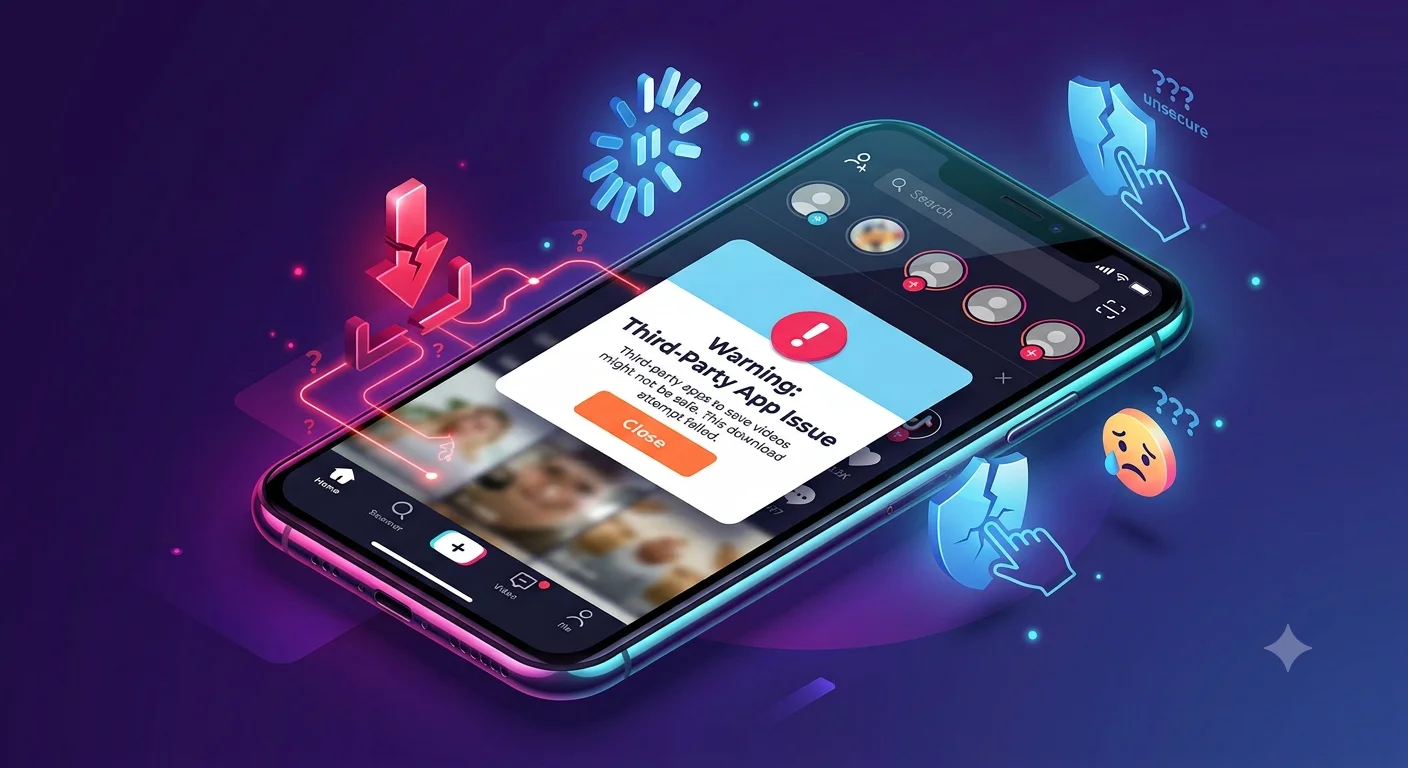
Are Third-Party TikTok Downloader Apps Safe to Use?
Third-party TikTok downloader apps and websites carry real risks including malware, phishing, excessive data-permission requests, and possible TikTok account suspension for violating its Terms of Service and none of these risks exist when using TikTok's own built-in Save option. If a video's official Save button is available, that's the safer route every time.
Why This Question Comes Up So Often
TikTok's own Save feature doesn't work on every video creators can disable downloads, and some content carries regional licensing restrictions that block saving. That gap is exactly what a large ecosystem of third-party downloader websites and apps has grown to fill, often advertising extra features like watermark removal or batch downloading that TikTok's own tool doesn't offer. The convenience is real, but so are the trade-offs, which are worth understanding clearly rather than assuming a tool is safe just because it's widely used.
1. Device Security Risks
- Why This Question Comes Up So Often
- 1. Device Security Risks
- 2. Excessive Permission Requests
- 3. Terms of Service Violations and Account Risk
- 4. Copyright and Legal Exposure
- 5. Data Privacy When Using Link-Paste Downloader Sites
- Are Any Third-Party Downloaders Genuinely Safer Than Others?
- What Legitimate Use Cases Actually Need
- How to Evaluate a Specific Tool If You're Considering One
- A Note for Parents Monitoring Teen Device Use
- The Regulatory Backdrop Worth Knowing
- Recognizing Fake or Malicious Downloader Sites
- What to Do If You've Already Used a Risky Downloader
- The Safer Default: Stick to TikTok's Built-In Save Option
- Conclusion
Third-party apps that download TikTok videos have the potential to undermine your device's security and expose you to malware and phishing risks, particularly when sideloaded from outside official app stores. App sideloading through unofficial stores in particular is a known entry point for malicious software development kits bundled inside otherwise-functional-looking apps, since these alternative stores generally lack the review processes that official app stores apply before publishing.
2. Excessive Permission Requests
Many third-party downloader apps request broad device permissions storage access, network access, sometimes contacts or camera — that go well beyond what's actually needed to save a video file. Granting these permissions without close scrutiny creates a risk of unintentionally giving an app access to private data that could later be misused, even if the app functions as advertised for its core downloading purpose.
3. Terms of Service Violations and Account Risk
Using unapproved third-party software to interact with TikTok, including downloading content outside its own official features, is expressly prohibited by TikTok's terms of service, and the platform actively works to preserve the integrity of its systems. Accounts that break these rules can face penalties ranging from temporary suspension to permanent bans a real cost if the account in question has an established following or history you'd rather not lose over a convenience feature.
4. Copyright and Legal Exposure
Nearly every TikTok video is protected by copyright belonging to its creator. Downloading and reposting that content without permission can lead to content removal or broader legal risk, independent of whichever tool was used to obtain the file in the first place. This risk scales with what you do after downloading saving a video privately for personal viewing carries far less exposure than downloading and reposting it elsewhere without the creator's consent.
5. Data Privacy When Using Link-Paste Downloader Sites
Many browser-based TikTok downloaders work by having you paste a public video link into their site, which then processes and returns a downloadable file. This means your browsing activity and the specific content you're interested in passes through a third-party server with no obligation to protect that data the way TikTok's own privacy policy governs data on its platform. For most casual, one-off downloads this is a low-stakes trade-off, but it's worth being aware of, especially if you're using such a tool repeatedly.
Are Any Third-Party Downloaders Genuinely Safer Than Others?
Some tools do process downloads locally on your device rather than routing them through an external server, which reduces (though doesn't eliminate) the data-exposure risk described above. Even so, "processes locally" doesn't address the separate Terms of Service violation or copyright concerns that apply regardless of how the download itself is technically handled a locally-processed download is still an unauthorized download from TikTok's perspective if it bypasses a creator's disabled-download setting.
What Legitimate Use Cases Actually Need
If your reason for wanting a third-party tool is something TikTok's own Save option genuinely can't do batch downloading many videos at once, or converting to a specific file format for editing it's worth weighing whether that convenience is worth the combined risks above, or whether a narrower workflow (saving videos individually through the official method, then converting formats locally using standalone software you already trust) achieves the same result with less exposure.
Recommended Articles
 TIKTOK
 TIKTOK
 TIKTOK
How to Evaluate a Specific Tool If You're Considering One
If you're weighing whether to use a specific third-party downloader despite the risks above, a few checks reduce (without eliminating) your exposure:
- Avoid downloader apps distributed outside official app stores (sideloaded APKs, unofficial app marketplaces), since these skip the baseline review process official stores apply.
- Check what permissions the app requests during installation, and decline anything not clearly necessary for its stated function.
- Prefer browser-based tools you access directly by typing the address, rather than clicking links shared in comments, DMs, or unfamiliar posts, since malicious clones of legitimate-sounding downloader sites are a known scam pattern.
- Never enter your TikTok login credentials into a third-party downloader no legitimate video-download tool needs your account password to save a public video.
A Note for Parents Monitoring Teen Device Use
TikTok is one of the most widely used apps among teenagers, and third-party downloader apps present an additional layer of risk beyond what's typical of the main platform itself particularly around sideloaded apps from outside official stores, which lack the review process official app stores apply. If you're managing a teen's device, treating third-party downloader apps the same way you'd treat any other unverified app request is a reasonable default, independent of whatever specific video someone wants to save.
The Regulatory Backdrop Worth Knowing
TikTok itself has faced significant regulatory scrutiny in recent years over data handling including a major fine from Ireland's Data Protection Commission over how European user data was transferred, and earlier settlements tied to biometric data collection in the US. This broader context matters for the downloader-app question specifically because third-party tools built around TikTok's platform generally operate with far less regulatory oversight and transparency than TikTok itself, meaning whatever privacy concerns already exist around the main platform are typically less accountable, not more, when a third-party intermediary is involved in the process.
Recognizing Fake or Malicious Downloader Sites
Beyond the general risks that apply to third-party downloaders as a category, some sites specifically impersonate popular, well-known downloader brands to trick users into installing malware or entering credentials on a phishing page. A few signs worth watching for:
- URLs that closely mimic a known tool's name with slight misspellings or extra characters.
- Sites that prompt you to download an app or browser extension before you can use the tool, rather than working directly in-browser.
- Any page requesting your TikTok username and password rather than just a public video link.
- Excessive pop-up ads or redirects that appear immediately upon visiting the site, which is a common pattern among lower-quality downloader sites monetizing through aggressive ad networks.
What to Do If You've Already Used a Risky Downloader
If you've previously used a third-party TikTok downloader and are now concerned about the risks described above, a few steps help limit any potential damage:
- Run a security scan on your device using a reputable antivirus or anti-malware tool, particularly if you sideloaded an app from outside an official store.
- Review your TikTok account's connected apps and login activity for anything unfamiliar.
- Change your TikTok password if you ever entered it into a third-party site, and enable two-factor authentication if you haven't already.
- Uninstall any downloader app you're no longer actively using, since dormant apps with broad permissions remain a passive risk even when not in active use.
The Safer Default: Stick to TikTok's Built-In Save Option
For the vast majority of everyday use saving a recipe, a tutorial, or a video you want to rewatch offline TikTok's own Save feature covers the need without any of the risks described above. It's free, requires no extra installation, keeps you within TikTok's Terms of Service, and doesn't expose your device or data to an unfamiliar third party. The only real limitation is that it doesn't work on videos where the creator has disabled downloads and in those cases, the restriction is a deliberate choice by the content owner, not a gap that's meant to be worked around.
Conclusion
Third-party TikTok downloader apps aren't automatically malicious, but they carry a real, layered set of risks device security, excessive data permissions, account suspension, and copyright exposure that simply don't exist when you use TikTok's own built-in Save option. Given how narrow the actual gap is (videos where downloads have been deliberately disabled), the convenience these tools offer rarely outweighs the risk, and sticking to TikTok's official feature remains the safer choice in nearly every situation.