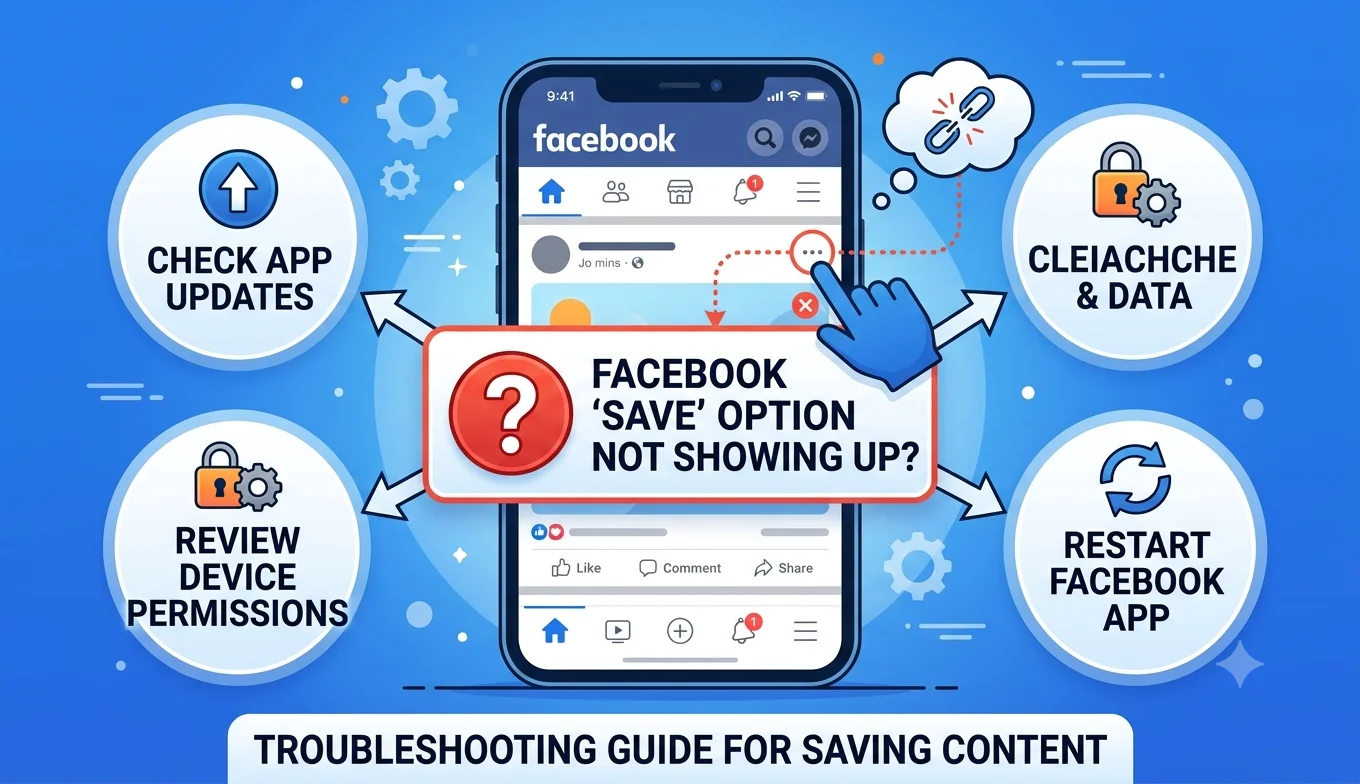
Facebook Save Option Not Showing Up
A missing Facebook Save option is usually caused by an outdated app, the poster restricting saves on that specific content, a temporary Facebook bug, or viewing the post in a context (like certain Groups or ephemeral content) where saving isn't supported. Working through the checks below in order resolves the large majority of cases.
1. The Poster Has Restricted Saving
Some Pages and individual posts can have sharing and saving restricted by the original poster, particularly for sponsored or promotional content where the poster wants to control distribution.
Fix: There's no workaround for this if a post's owner has disabled the Save option, the three-dot menu simply won't show it for that content, regardless of your account or device. Check whether the restriction is specific to that post or applies across everything from the same account.
2. Your App Is Outdated
- 1. The Poster Has Restricted Saving
- 2. Your App Is Outdated
- 3. You're Viewing Content in a Limited Context
- 4. App Cache Issues
- 5. A Temporary Facebook-Wide Bug
- 6. Restricted Account Status
- 7. Viewing Facebook in a Browser vs. the App
- 8. Facebook Marketplace-Specific Save Issues
- 9. Region-Specific Feature Rollouts
- A Quick Diagnostic Order to Follow
- Does Device Age Affect This Issue?
- Checking Whether It's a Facebook-Wide Pattern or Specific to You
- A Note on Third-Party Browser Extensions Claiming to "Fix" This
- Testing on a Different Device or Account
- When to Contact Facebook Support
- What "Save" Being Greyed Out (vs. Missing) Might Mean
- Preventing Future Save Issues
- Conclusion
An outdated version of the Facebook app is one of the most common causes of missing or non-functional menu options.
Fix: Update Facebook from the Play Store or App Store, fully close and reopen the app, and check the post again.
3. You're Viewing Content in a Limited Context
Certain content types some Stories, ephemeral posts, or content inside specific third-party integrations displayed within Facebook don't support the standard Save feature the way regular posts and videos do.
Fix: Confirm you're looking at a standard post, video, or photo rather than a Story or embedded third-party content, since the Save feature is designed primarily around permanent, standard post types.
4. App Cache Issues
A corrupted local cache can cause specific menu options, including Save, to disappear or become unresponsive even though the rest of the app works normally.
Fix (Android): Go to Settings > Apps > Facebook > Storage > Clear Cache (not Clear Data, which would sign you out). Fix (iPhone): iOS doesn't allow direct cache clearing instead, offload the app (Settings > General > iPhone Storage > Facebook > Offload App) and reinstall it, which clears cache while preserving your login.
5. A Temporary Facebook-Wide Bug
Facebook periodically experiences short-lived bugs or partial outages affecting specific features, including Save, unrelated to your account or device.
Fix: Check Facebook's official Help Center or a service-status tracking site to see if others are reporting the same issue. These typically resolve within a few hours without requiring any action on your end.
6. Restricted Account Status
Accounts under review, or those with certain content restrictions applied, can temporarily lose access to some interactive features.
Fix: Check Settings & Privacy > Settings > Account Status (or the equivalent Support Inbox) for any listed restrictions, and use Facebook's in-app appeal process if something looks incorrect.
7. Viewing Facebook in a Browser vs. the App
The Save feature is available on both the mobile app and desktop browser, but occasionally browser extensions, ad blockers, or outdated browser versions can interfere with how Facebook's interface loads, hiding menu options that would otherwise appear normally.
Fix: Try disabling browser extensions temporarily, or switch to the mobile app to confirm whether the issue is browser-specific.
8. Facebook Marketplace-Specific Save Issues
Marketplace listings occasionally have their own separate quirks with the Save feature, distinct from regular posts, particularly for listings nearing the end of their availability or already marked as sold.
Fix: If a specific listing won't save, check whether it's still active listings that have sold or been removed by the seller often lose interactive options like Save shortly afterward.
9. Region-Specific Feature Rollouts
Like most major platforms, Facebook rolls out interface changes gradually by region, meaning some users may temporarily see a different menu layout or a missing option during a transition period.
Fix: If everything else checks out and the app is fully updated, this may simply require waiting for a rollout to reach your account compare notes with someone in a different region if possible to confirm this is the likely cause.
Recommended Articles
 FACEBOOK
 FACEBOOK
A Quick Diagnostic Order to Follow
- Confirm you're viewing a standard post, video, or photo (not a Story or embedded content).
- Update the app.
- Clear cache (Android) or offload and reinstall (iPhone).
- Check whether the poster has restricted saving on that specific content.
- Check your account status for restrictions.
- Check for a wider Facebook outage.
- Try the same content on both the app and browser to isolate the cause.
- If nothing else resolves it, test on a completely different device and account to fully isolate the variable.
Does Device Age Affect This Issue?
Older devices running outdated operating systems can sometimes struggle to run the current version of the Facebook app smoothly, which indirectly causes interface glitches, including missing menu options, even when the feature itself works fine on newer devices. If your phone hasn't received a system update in a long time, checking for an available OS update alongside the app update is worth doing before assuming the problem is isolated to Facebook.
Checking Whether It's a Facebook-Wide Pattern or Specific to You
A useful diagnostic question: does the Save option work on any posts at all, or is it missing everywhere? If it works on some content but not others, the cause is more likely tied to specific posters or content types (restrictions, Marketplace status, embedded content). If it's missing across everything you view, the cause is more likely device- or account-level (outdated app, cache, account restrictions, or a wider outage).
A Note on Third-Party Browser Extensions Claiming to "Fix" This
Some browser extensions marketed as Facebook enhancement tools claim to restore or add missing features, including Save. These aren't official Facebook tools, and installing unofficial extensions that modify how Facebook's interface loads and behaves can introduce security risks of their own, independent of whether they actually resolve the missing button. None of the troubleshooting steps in this guide require anything beyond Facebook's own app, browser, and your device's built-in settings.
Testing on a Different Device or Account
If the steps above don't resolve it, isolating the variable helps narrow down the cause:
- Try the same post on a different device using the same account if Save works there, your original device or app installation is the likely cause.
- Try a different post on your usual device if Save works on other content, the original post itself (likely a poster-level restriction) is the more probable explanation.
When to Contact Facebook Support
If you've worked through every relevant fix across multiple posts, devices, and contexts, and the Save option remains consistently missing where it should reasonably be available, report it through Settings & Privacy > Help & Support > Report a Problem. Include specific details device type, app version, and examples of affected posts since a detailed report is easier for Facebook's support team to diagnose than a vague one.
What "Save" Being Greyed Out (vs. Missing) Might Mean
There's a meaningful difference between the Save option not appearing in the menu at all versus appearing but greyed out or unresponsive when tapped. A completely absent option usually points to a poster-level restriction or unsupported content type, while a visible-but-unresponsive option more often points to an app, cache, or connection issue on your end — worth noting as you work through the diagnostic order above, since it can help you skip straight to the more likely category of fix.
Preventing Future Save Issues
- Keep auto-update enabled for the Facebook app so you're rarely running a significantly outdated version.
- Periodically restart the app (or your device) to clear minor background glitches before they accumulate.
- Avoid relying on browser extensions that modify Facebook's interface, since these can interfere with standard features in ways that are hard to diagnose.
- If you frequently use Facebook through a browser, keep that browser updated alongside the Facebook app itself.
- When switching between the app and browser regularly, expect small interface differences and check both before concluding a feature is broken rather than simply displayed differently.
Conclusion
A missing Save option on Facebook is rarely a sign of a serious problem it's usually an outdated app, a poster-level restriction, a content type that doesn't support saving, or a short-lived platform bug. Working through the checklist above in order resolves the overwhelming majority of cases without needing to contact Facebook support directly, and testing on a different device or account helps quickly narrow down whether the cause sits with your setup or the content itself. As with similar issues on other platforms, resisting the urge to install an unofficial "fix" and instead working through Facebook's own settings and support channels remains the safer, more reliable path.