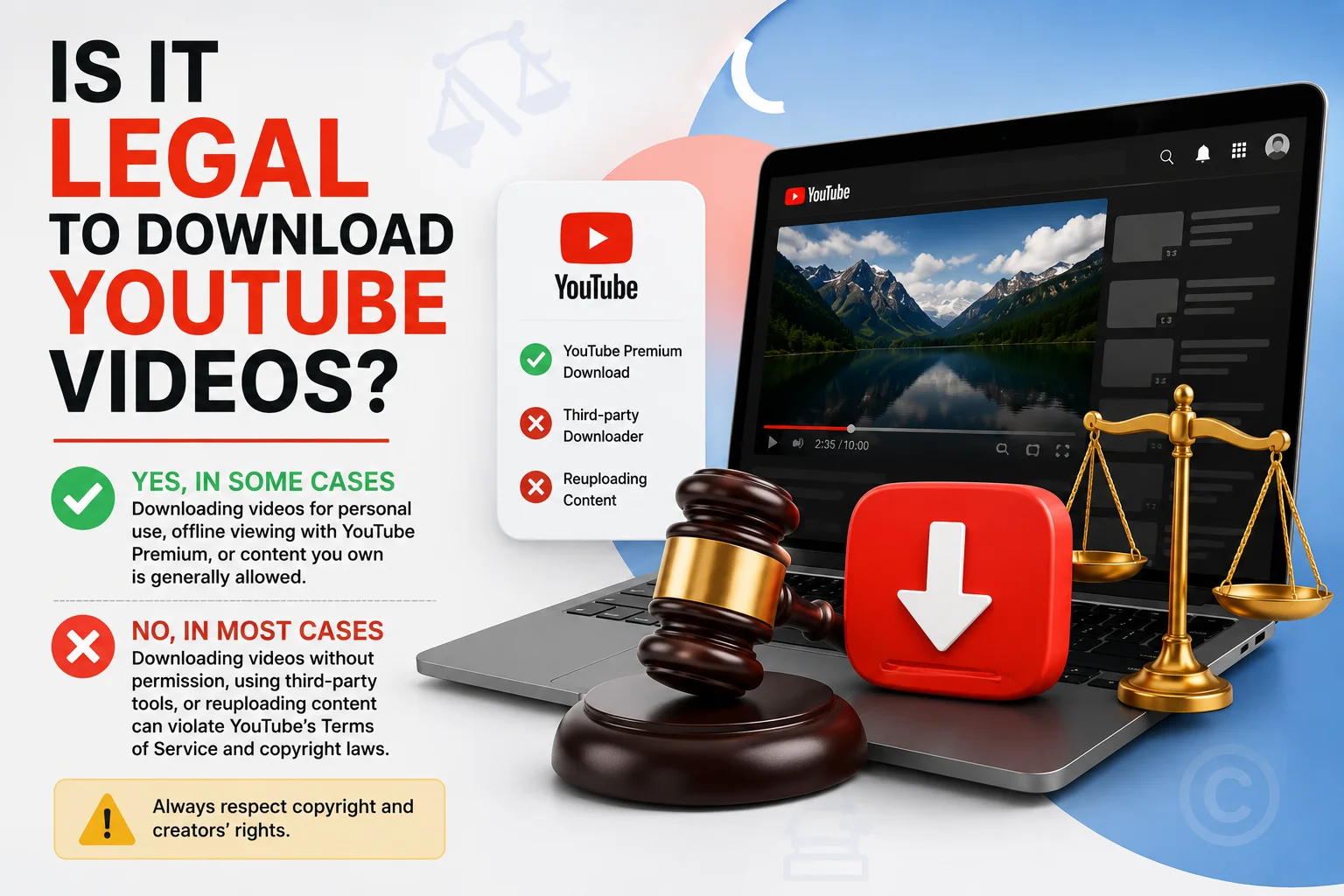
Is It Legal to Download YouTube Videos? What the Rules Actually Say
Downloading YouTube videos is only officially sanctioned through YouTube's own Download/Offline feature inside the app. Using third-party sites or tools to extract and save video files from YouTube violates YouTube's Terms of Service, and if the content is copyrighted (which almost all YouTube videos are), doing so without the creator's permission can also amount to copyright infringement regardless of which tool is used.
What YouTube's Terms of Service Actually Say
YouTube's Terms of Service explicitly prohibit accessing, reproducing, downloading, distributing, or otherwise using video content except through features YouTube itself provides for that purpose meaning the built-in Download button, not third-party extraction Save From sites or browser extensions.
This means the legality question really splits into two separate, overlapping issues:
1. Terms of Service Violation (Contract Issue)
- What YouTube's Terms of Service Actually Say
- 1. Terms of Service Violation (Contract Issue)
- 2. Copyright Infringement (Legal Issue)
- Why This Distinction Matters
- When Is Downloading a YouTube Video Actually Fine?
- What About "For Personal Use Only" Claims?
- How This Compares Across Platforms
- What Creators Should Know
- How YouTube Enforces These Rules in Practice
- International Copyright Considerations
- A Simple Two-Question Test Before Downloading Anything
- Conclusion
Using a third-party downloader breaches your agreement with YouTube as a user, even if the video itself is something you're otherwise fully allowed to watch. This isn't usually a criminal matter, but it can result in:
- Account warnings or temporary restrictions
- Loss of access to certain YouTube or Google account features
- In repeated or severe cases, account suspension
2. Copyright Infringement (Legal Issue)
Separately, almost every video on YouTube is protected by copyright, owned by the creator or, in some cases, a media company or record label. Downloading and keeping a copy of that video without permission can infringe copyright law — independent of what YouTube's own platform rules say especially if you:
- Redistribute or reupload the video elsewhere
- Use the video commercially without a license
- Strip and reuse the audio or footage inside your own content without permission
Why This Distinction Matters
Many people assume that if something is technically possible with a downloader tool, it must be legal. In reality, "possible" and "permitted" are separate questions. A downloader tool bypassing YouTube's restrictions doesn't grant you any actual legal rights to the underlying video it simply ignores the platform's access controls, which is itself often the basis for the Terms of Service violation.
When Is Downloading a YouTube Video Actually Fine?
- You own the content — it's your own uploaded video, which you can freely download through YouTube Studio or the app's offline feature.
- The creator has explicitly enabled offline downloads for Premium or free viewing within the app.
- You have direct written permission from the copyright holder to save and use the video for your specific purpose.
- The content is under a license that permits reuse, such as Creative Commons check the video's license under "Show more" in the description before assuming reuse is allowed.
What About "For Personal Use Only" Claims?
Many third-party downloader sites claim downloading is fine "for personal use only." This isn't an accurate legal shield. YouTube's Terms of Service don't carve out a personal-use exception for third-party extraction tools, and copyright law's personal-use allowances vary significantly by country and are typically narrower than these disclaimers suggest. The safest, clearest path and the only one guaranteed to align with both YouTube's rules and copyright law is using YouTube's own official download feature.
Recommended Articles
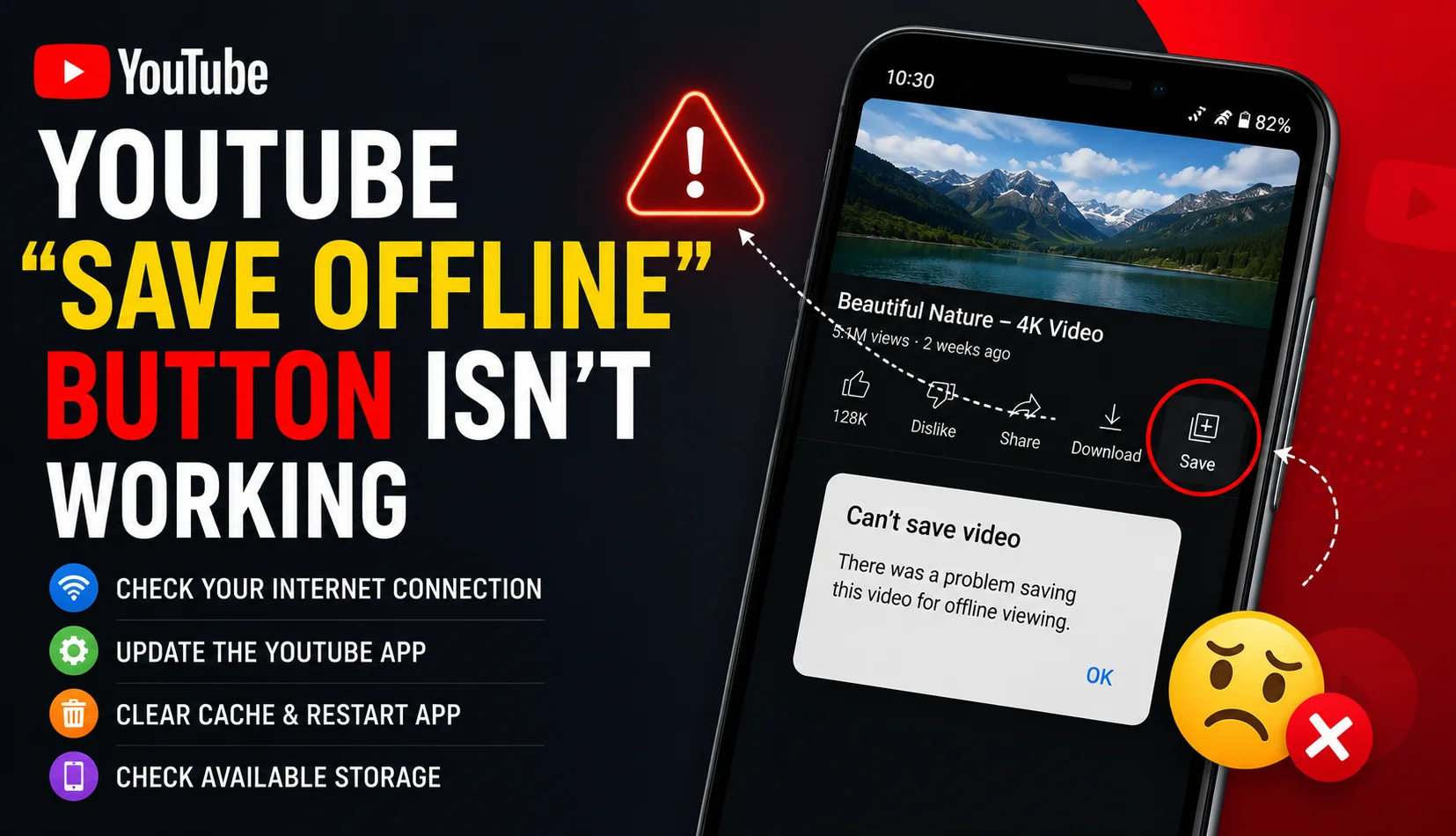 YOUTUBE
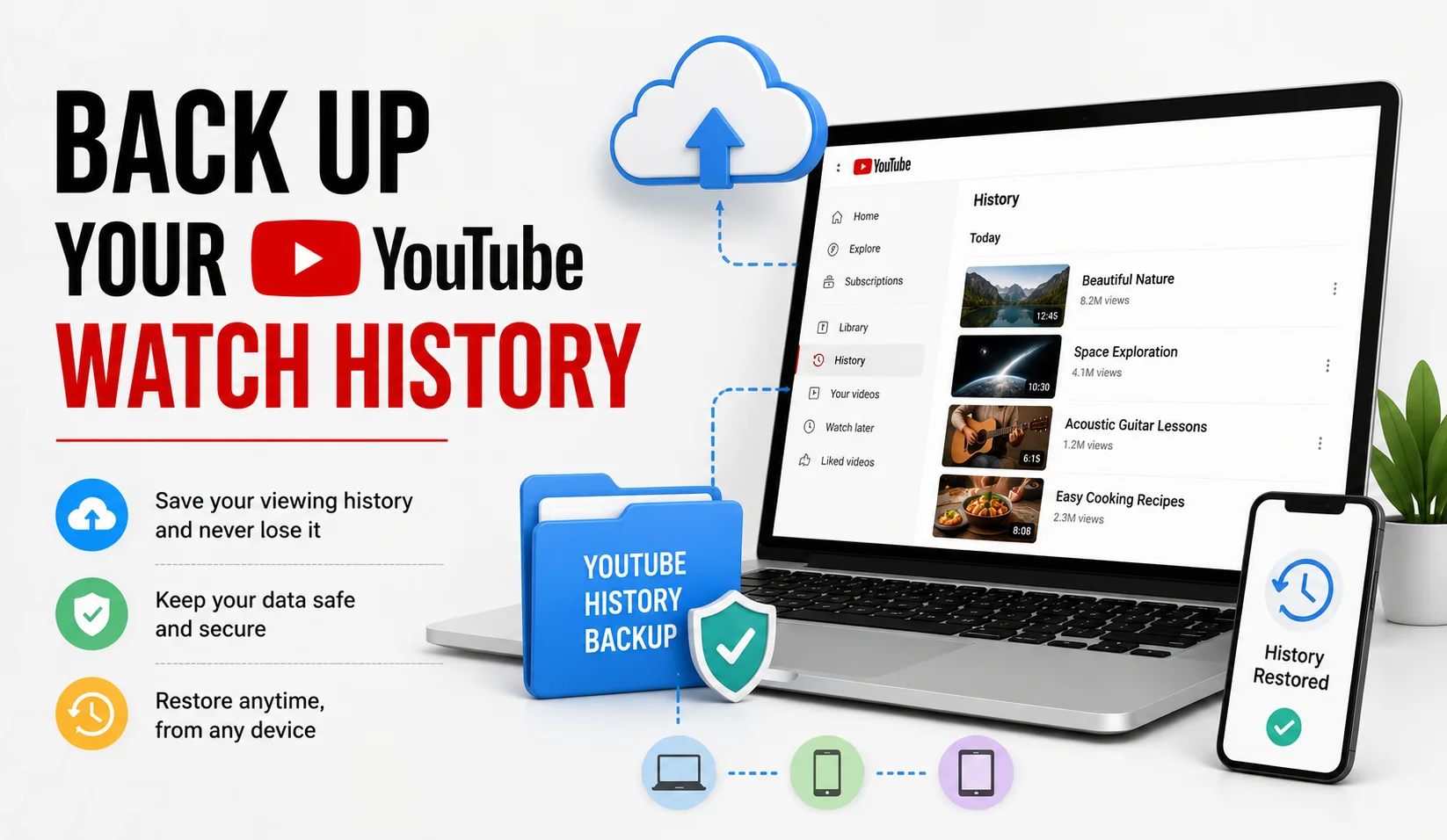 YOUTUBE
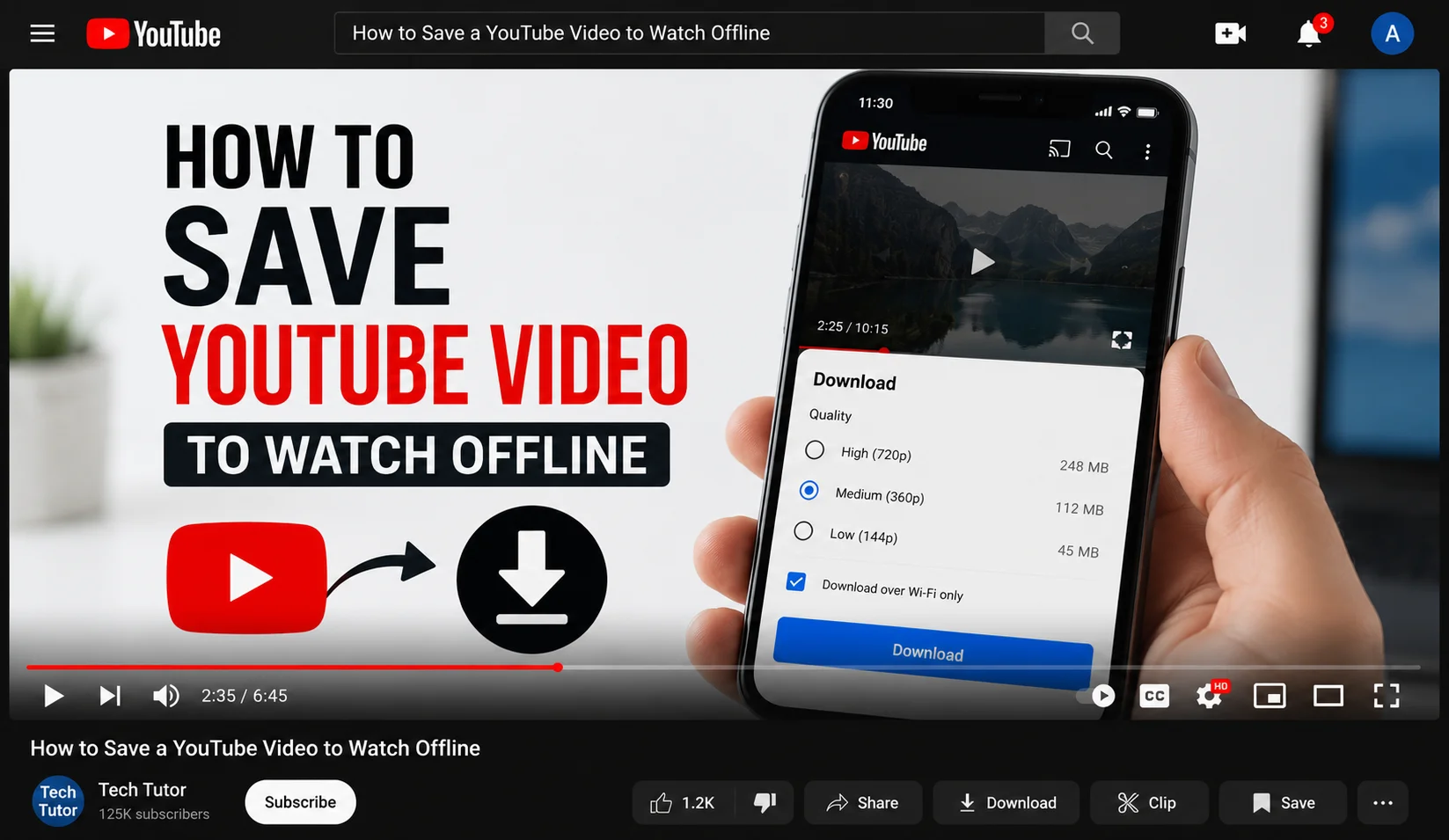 YOUTUBE
- Why Your YouTube Save Offline Button Is not Working
- How to Save a YouTube Video to Watch Offline
- 7 Legit Ways to Back Up Your YouTube Watch History
How This Compares Across Platforms
The same basic split platform Terms of Service versus underlying copyright law applies to Instagram, TikTok, Facebook, and most other social platforms, not just YouTube. Nearly every major platform restricts third-party extraction in its terms, while the copyright status of the content itself depends on who made it and whether they've granted any reuse rights. If you're building save/backup habits across multiple platforms, the same two-question test applies everywhere: does the platform's official feature allow this, and do I have rights to the underlying content?
What Creators Should Know
If you're a creator worried about your own videos being downloaded without permission, YouTube does give you some control: you can choose whether to enable the free offline-download option for non-Premium viewers, and you can report unauthorized reuse of your content through YouTube's copyright takedown process. Watermarking and monitoring tools can also help identify when your content has been reposted elsewhere without permission.
How YouTube Enforces These Rules in Practice
YouTube enforces its Terms of Service primarily through automated detection and manual review flagging accounts that repeatedly access content through unauthorized methods, and issuing copyright strikes when a rights holder files a valid takedown request over reused material. Most individual, one-off downloads for private viewing go unnoticed simply due to scale, but that's a practical reality, not a legal guarantee enforcement gaps don't change what the rules actually permit.
International Copyright Considerations
Copyright law isn't uniform worldwide. Some countries recognize broader "personal use" or "private copying" exceptions than others, sometimes paired with a small levy on blank media or devices to compensate rights holders. Others have very narrow exceptions, making almost any unauthorized download technically infringing regardless of intent. Because YouTube's Terms of Service apply globally regardless of local copyright nuance, the platform-rules violation exists everywhere even in places where local copyright law might otherwise be more permissive.
A Simple Two-Question Test Before Downloading Anything
- Does the platform's own feature allow this? If yes, you're compliant with the Terms of Service.
- Do I have rights to the underlying content: because I made it, was given permission, or it's licensed for reuse? If yes, you're compliant with copyright law.
If either answer is no, treat the download as risky, even if a tool technically lets you do it.
Conclusion
Downloading YouTube videos legally comes down to two separate checks: whether YouTube's own rules allow it, and whether you actually have rights to the content itself. The official Download feature is the only path that clears both at once. Third-party downloader tools might work technically, but they carry real risk to your account, and potentially under copyright law that simply isn't worth it when a fully compliant, built-in alternative already exists.